Web Vectorial Model: Sample Output

When the WVM is run, it will check for invalid empty values for the parameters you were asked to enter in the web form. If there are errors, you will get a page that looks like this example. This page helps you to determine and correct the erroneous input. (Click on the image to the right to see the input page that generated the errors.)

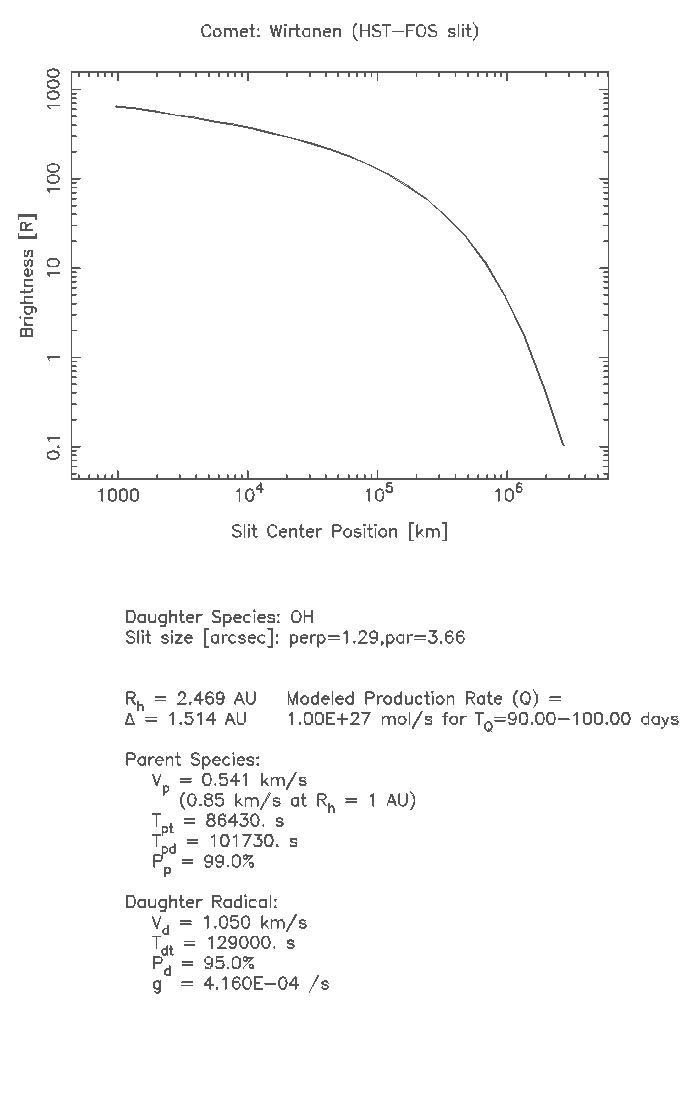
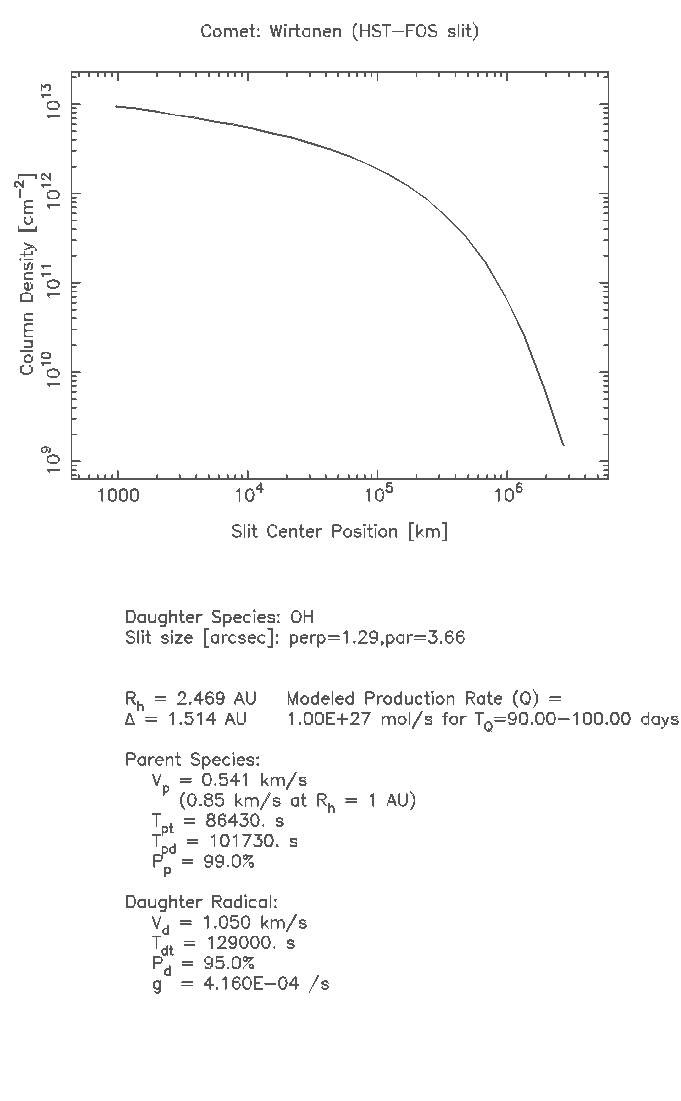
If there are no errors, the WVM calculations will be made and presented to you page that looks like this example. (Click on the image to the left to see the input page that generated the plots.) The plots of the density and brightness profiles are presented as either GIF or PostScript output, with full details of the input parameters. The data are also presented in an ASCII table that is the raw output from the WVM program, which lists additional information about the input paramters, the calculations, and the properties of the coma.


Michel Festou and Joel Parker (joel@boulder.swri.edu)   [SwRI Homepage]